Medical Term Management
The Medical Term Management (MTM) system streamlines the management and utilization of medical terminologies within TQ Data Foundation by delivering read to use asset collections. Each customer can subscribe to multiple datasets and new versions of subscribed datasets are automatically imported, and conversions between OWL and SHACL standards are handled automatically.
MTM also computes differences between the different versions of the same vocabulary, and includes reports detailing all these differences. Customers can also build custom reports using the pre-computed differences.
Configuring the Medical Term Management
The Medical Term Management needs to be configured in the Product Administration page. The following parameters are available:
Parameter
Default
Description
Server URL
Base URL of the MTM Server. This value will be provided by TopQuadrant.
License Key
The customer specific license key. This value is provided by TopQuadrant.
Downloading new MTM vocabularies
When configured, two new actions are shown in the Modify menu of the Governance page (navigate to this page using the Collections Menu > Governance > Other Governance Assets). These actions are available to Administrators or Power users.
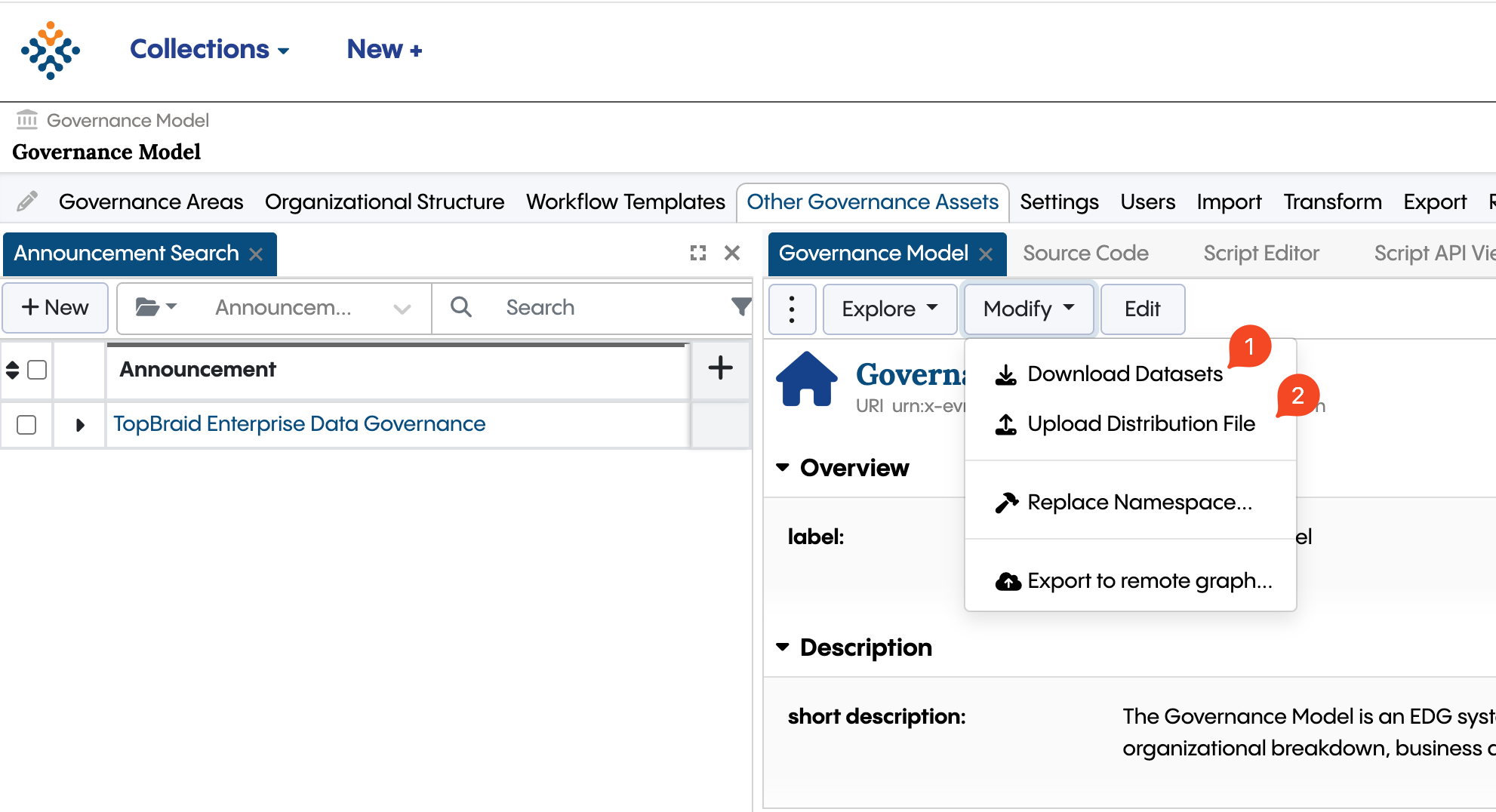
Term Management Governance Actions
When using the Download Datasets action, the user can select one of the vocabularies they are subscribed to and, in the following dialog, the specific version of that vocabulary to download.
The Upload Distribution File action is a to be used as a fallback in case the vocabulary upload needs to be done manually. TopQuadrant will provide the distribution file in these cases.
Retrieve New Releases Scheduled Job
This scheduled job automatically runs daily and retrieves new versions of subscribed MTM vocabularies. When new versions are released, the corresponding asset collections are downloaded to the customer Data Foundation instance and managers of the existing asset collections are notified.